Connect Alibaba Cloud
Connect Alibaba Cloud through Bill Subscription files in OSS and a read-only RAM role created by a ROS template.
Connect Alibaba Cloud
Let CostGlass read the bill files Alibaba Cloud delivers to your own storage bucket, through a read-only role that only CostGlass can use.
- CostGlass reads the monthly bill files that Alibaba Bill Subscription writes into a private OSS bucket in your account. It never writes to the bucket.
- A ROS template (Alibaba's infrastructure-as-code service) creates a read-only RAM role that trusts only CostGlass and only when a per-connection External ID matches.
- You must activate OSS, create (or let the template create) a private bucket, and turn on Bill Subscription yourself. CostGlass cannot do those steps for you.
- Accounts registered on the international site cannot create resources in Chinese mainland (cn-) regions until real-name verification is done. Use an international region.
- Alibaba bills mainly in CNY. CostGlass keeps the original amount and converts to USD at a fixed rate for reporting.
- If the tab says "Not available yet", the connection is not yet switched on for the platform. That is a message from CostGlass, not a problem with your account.
Is it available to you yet?
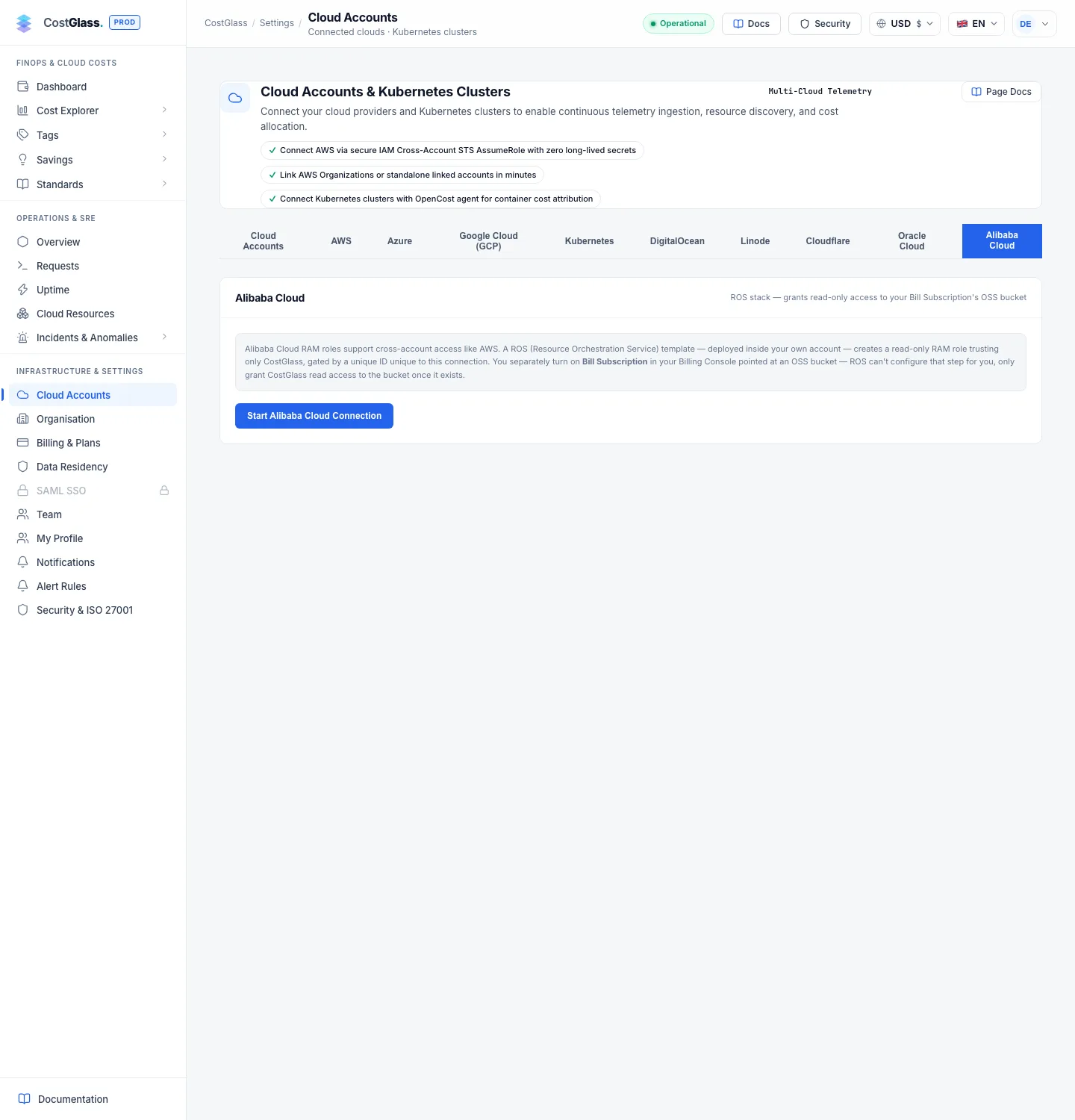
Alibaba Cloud needs an identity of its own on the CostGlass side to assume your role. If that has not been set up on the platform you are using, the Alibaba Cloud tab shows a yellow box starting Not available yet and the Start Alibaba Cloud Connection → button returns the same message instead of starting a connection. Nothing is wrong with your account and nothing is created. Contact CostGlass support to ask when it will be enabled.
How it works
- OSS (Object Storage Service)
- Alibaba Cloud's file storage, like Amazon S3. Files live in buckets.
- Bill Subscription
- An Alibaba Billing Console feature that writes your bill files into an OSS bucket every day.
- RAM role
- An identity with permissions that another account is allowed to take on temporarily.
- ROS (Resource Orchestration Service)
- Alibaba's service for creating resources from a template file. It is the equivalent of AWS CloudFormation.
- External ID
- A value unique to your connection. The role only trusts CostGlass when it presents this value, which stops anyone else tricking CostGlass into using your role.
- Region ID
- The short code of a region, for example ap-southeast-1 or cn-hangzhou, with no oss- prefix.
The template creates a role called CostGlassReadOnly and a policy attached to it. The policy allows reading your billing bucket (oss:GetObject, oss:ListObjects, oss:GetBucketInfo), and read-only listing of compute inventory (ecs:DescribeRegions, DescribeInstances, DescribeDisks, DescribePrice and vpc:DescribeEipAddresses) so CostGlass can find idle resources. Nothing can be changed.
- An Alibaba Cloud account with permission to use OSS, the Billing Console (Bill Subscription) and ROS.
- OSS activated on the account. Until it is, every OSS call is refused.
- A decision about the bucket region. International-site accounts should pick an international region such as Singapore (ap-southeast-1) or Frankfurt (eu-central-1).
- An owner or admin account in CostGlass with room in your plan for another connection.
cn-hangzhou, cn-shanghai, cn-beijing and so on) until real-name verification is complete. The ROS stack then fails with InternationalUserIDNotRegisteredByRealName. Either choose an international region for the bucket and the stack, or finish real-name verification first.Step by step
costglass-alibaba-readonly.json). Click Open ROS Console, then go to Stacks → Create Stack → Upload Template, upload the file and fill in the parameters (next section). Create the stack and wait for CREATE_COMPLETE.AliyunConsumeDump2OSSRole role that lets the billing service write into your bucket. Choose an Instance Details export, a start billing month, your bucket and a path, then create it. Bill Subscription can only deliver to a bucket that already exists, so if the stack is creating your bucket, finish step 4 first.RoleArn output), Billing OSS Bucket Name and OSS Region (the bucket's region ID). Click Verify & Activate.ROS template parameters and outputs
| Name | Kind | What to enter |
|---|---|---|
BillingBucketName | Parameter | The exact name of the OSS bucket your Bill Subscription delivers to. The role is allowed to read only this bucket. |
CreateBillingBucket | Parameter, no by default | Set to yes to have the stack create that private bucket for you in the region where you create the stack. The bucket is kept if you later delete the stack. Leave as no if you already have one. |
RoleArn | Output | Paste into CostGlass as the Alibaba RAM Role ARN. It looks like acs:ram::<account id>:role/CostGlassReadOnly. |
StackRegion | Output | The region the stack ran in. If the stack created the bucket, paste this as the OSS region. |
CreateBillingBucket = yes? Deploy the stack before you create the Bill Subscription, because Bill Subscription can only point at a bucket that exists.What verification checks
CostGlass assumes your role with the External ID and then lists the bucket. Verification only needs the bucket to exist and the role to be able to read it. You do not need to wait for bill files first; cost data appears after Alibaba's first delivery. The error messages say what is wrong:
| Message | Meaning | Fix |
|---|---|---|
| No OSS bucket named … in region … | The role worked, but the bucket name or region is wrong, or the bucket does not exist yet. | Create the bucket, or correct the name and use the bucket's region ID (for example cn-hangzhou, no oss- prefix). |
| The role was assumed, but it is not allowed to read bucket … | The stack was created with a different bucket name. | Update the stack so BillingBucketName is exactly this bucket's name. |
| Could not read the billing OSS bucket … | Something earlier failed: stack not applied, wrong role ARN or OSS not activated. | Check the stack reached CREATE_COMPLETE, the ARN was pasted whole and OSS is activated. |
| This Alibaba Cloud account (role or billing bucket) is already connected. | That role or bucket is already on another connection. | Use the existing connection. |
What data you will see and when
- Alibaba delivers a day's files by 18:00 China Standard Time (UTC+8) and finalises a month by 18:00 on the 3rd of the next month. The first files can take up to a day to arrive.
- CostGlass checks every six hours (and when you click Sync Now on the card). It reads both plain CSV and zipped CSV bill files from the bucket and ignores PDFs.
- Granularity is monthly. Alibaba's Instance Details export does not give CostGlass daily rows, so daily views and daily anomaly detection do not cover Alibaba.
- Bills are mainly in CNY. CostGlass stores the original amount and currency and converts to USD at a fixed rate for reporting, so figures may differ slightly from your Alibaba invoice at a live exchange rate.
- Budgets for Alibaba apply to the whole connection. CostGlass cannot split Alibaba cost by member account today.
BillingDate, ProductName, PretaxAmount, Currency) were taken from Alibaba's documentation. If the first real delivery from your account uses different headers, CostGlass will show a sync error; contact support.Several accounts and disconnecting
You can connect more than one Alibaba account. Each shows as its own card with its own sync status, and a failure on one does not stop the others. A new connection that you start but never finish is replaced the next time you start one. Disconnect asks you to confirm and stops reading the bucket; cost already collected is kept. Your RAM role, stack and bucket remain in Alibaba until you delete them.